Now in beta · Windows 10 and 11
Fix your PC without calling a technician
FixWit checks your computer and explains what's wrong in plain words: a slow start, no internet, a full disk, unwanted apps or ads. It shows what it will change before it changes anything, and every change can be undone.
- Free check
- Undo for every change
- Your files stay on your PC
 FixWit
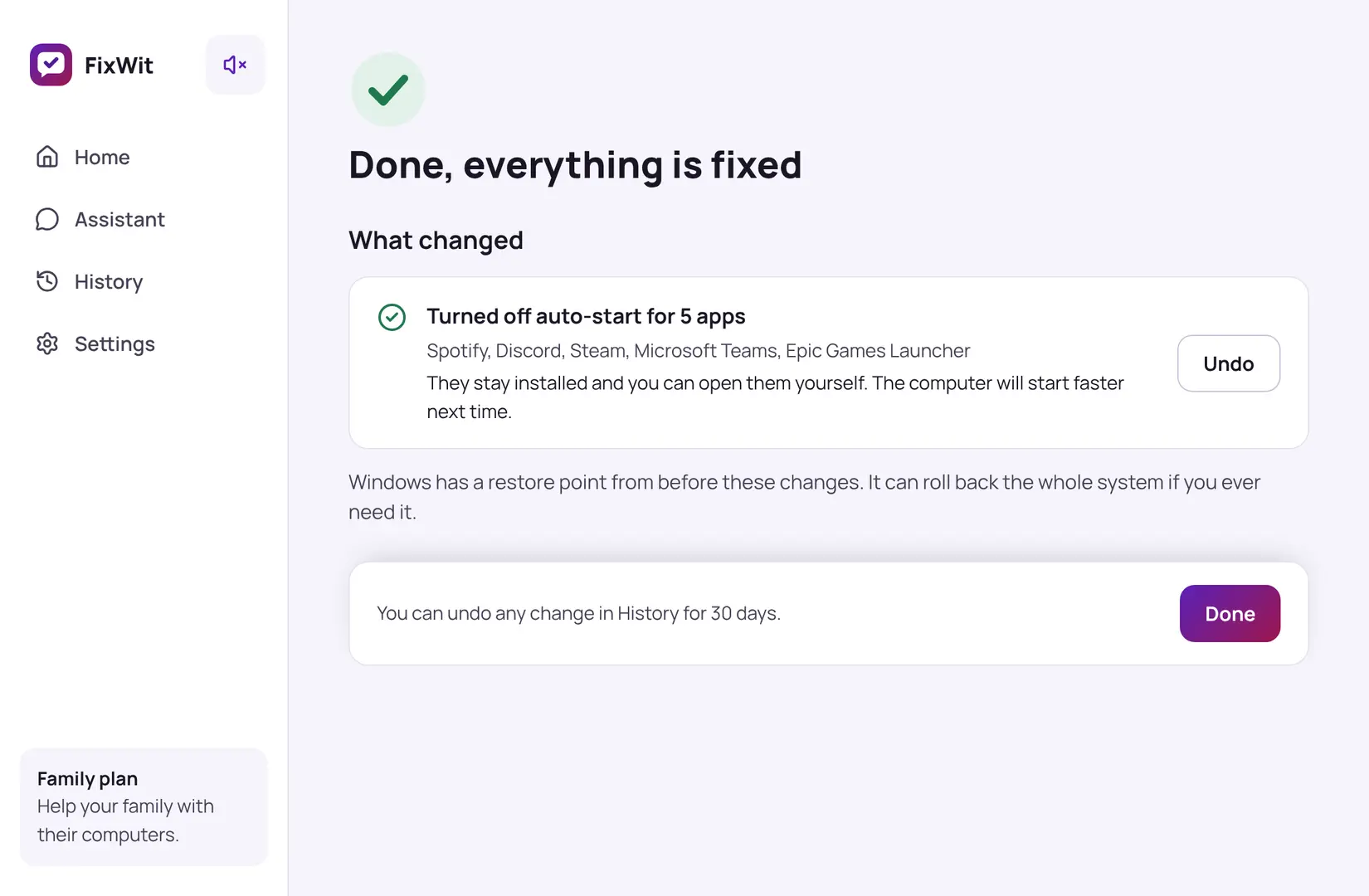
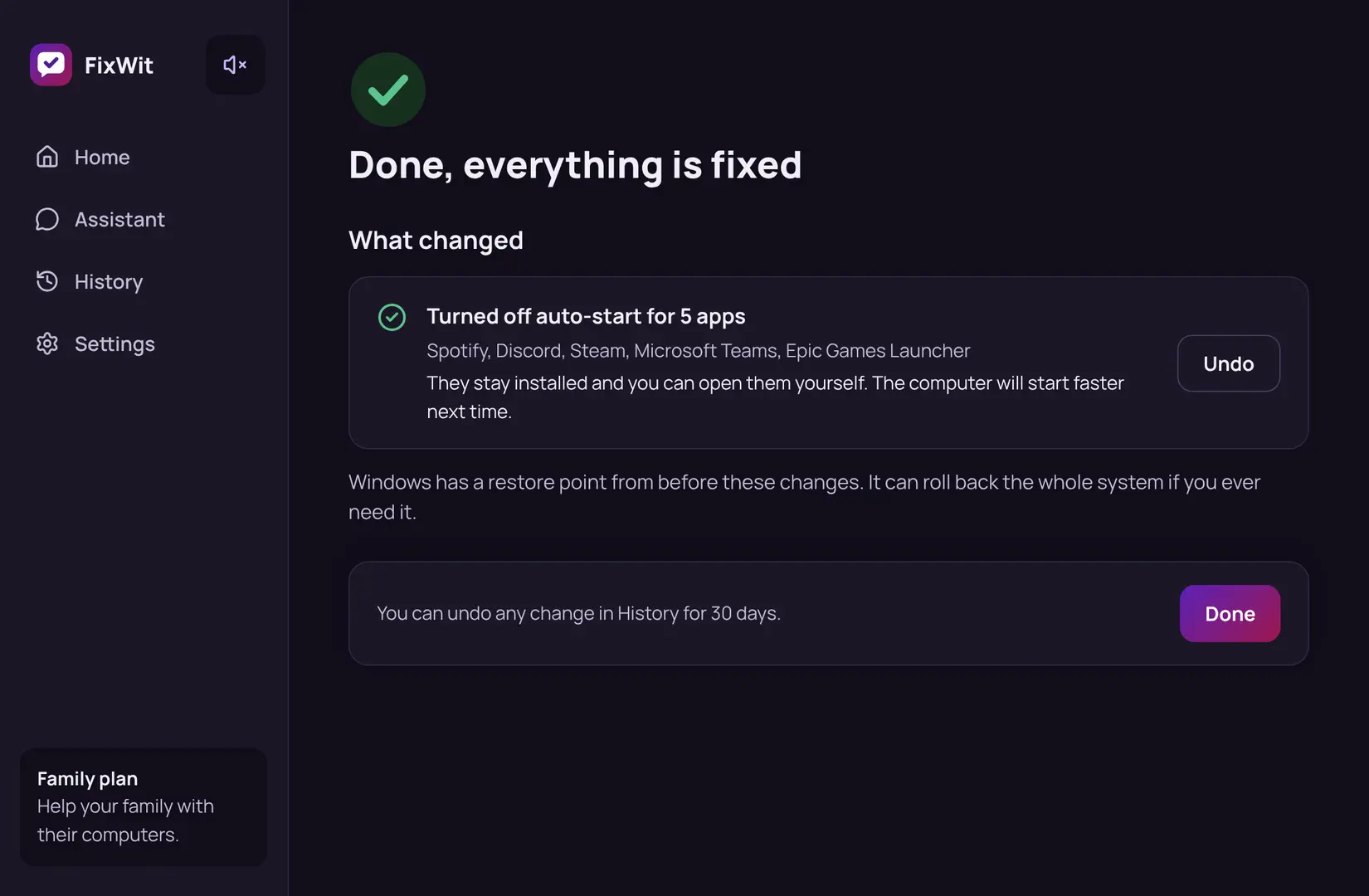
One visit from a computer repair technician
FixWit Plus fixes what the check finds, on your schedule
The four problems people call for help with most
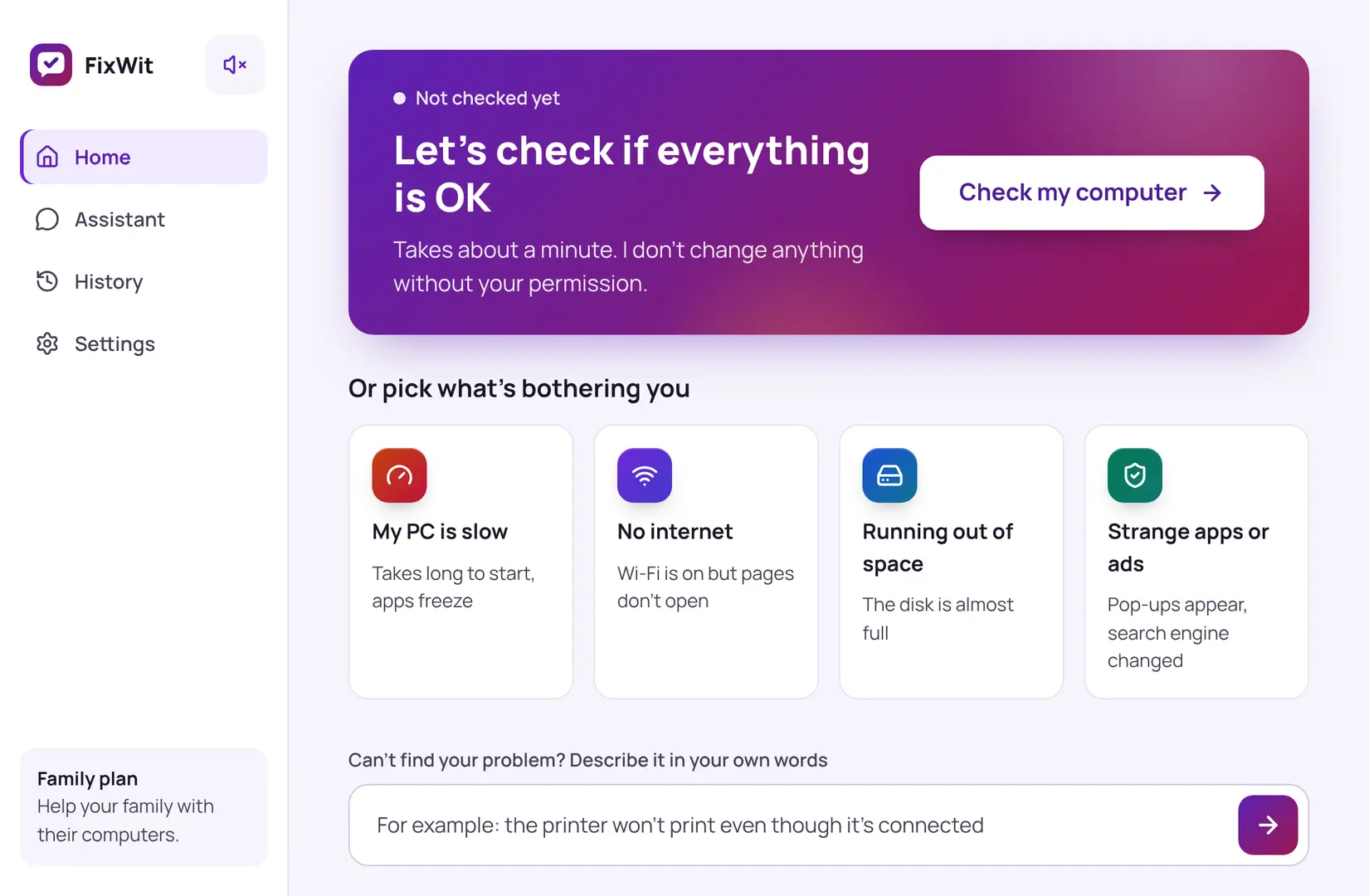
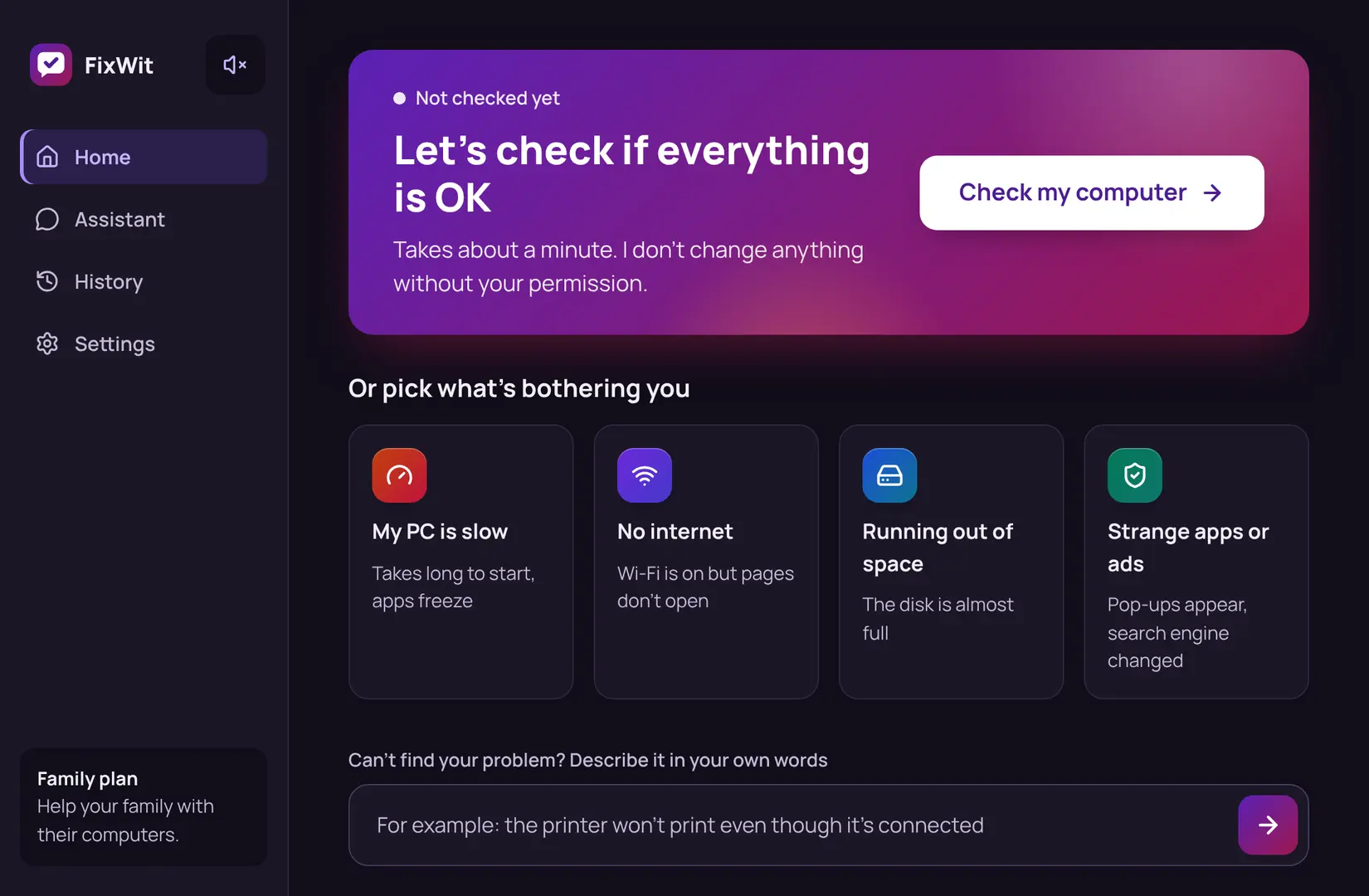
Pick what's bothering you, or let FixWit check everything at once. These are real screens from the app.
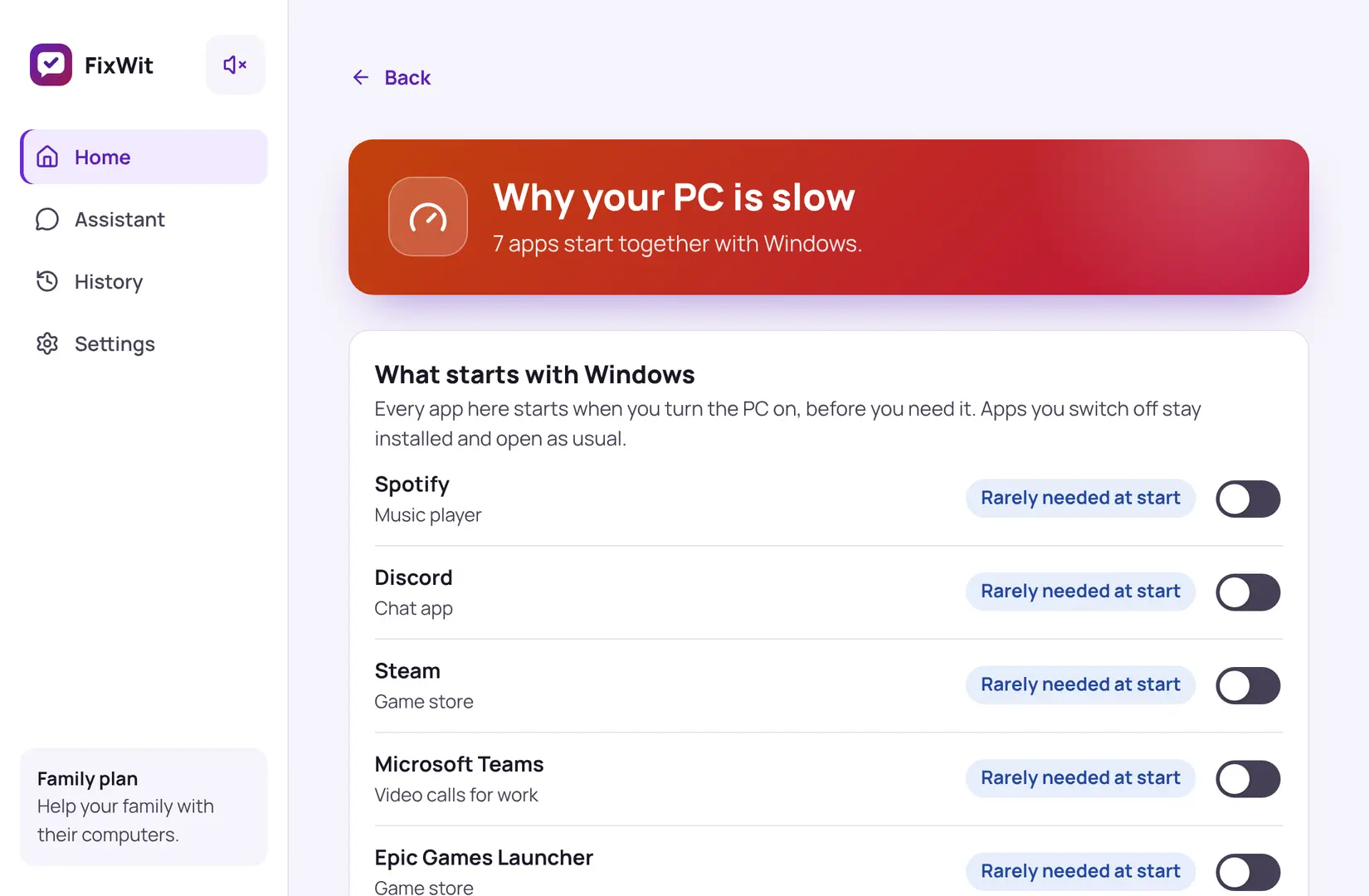
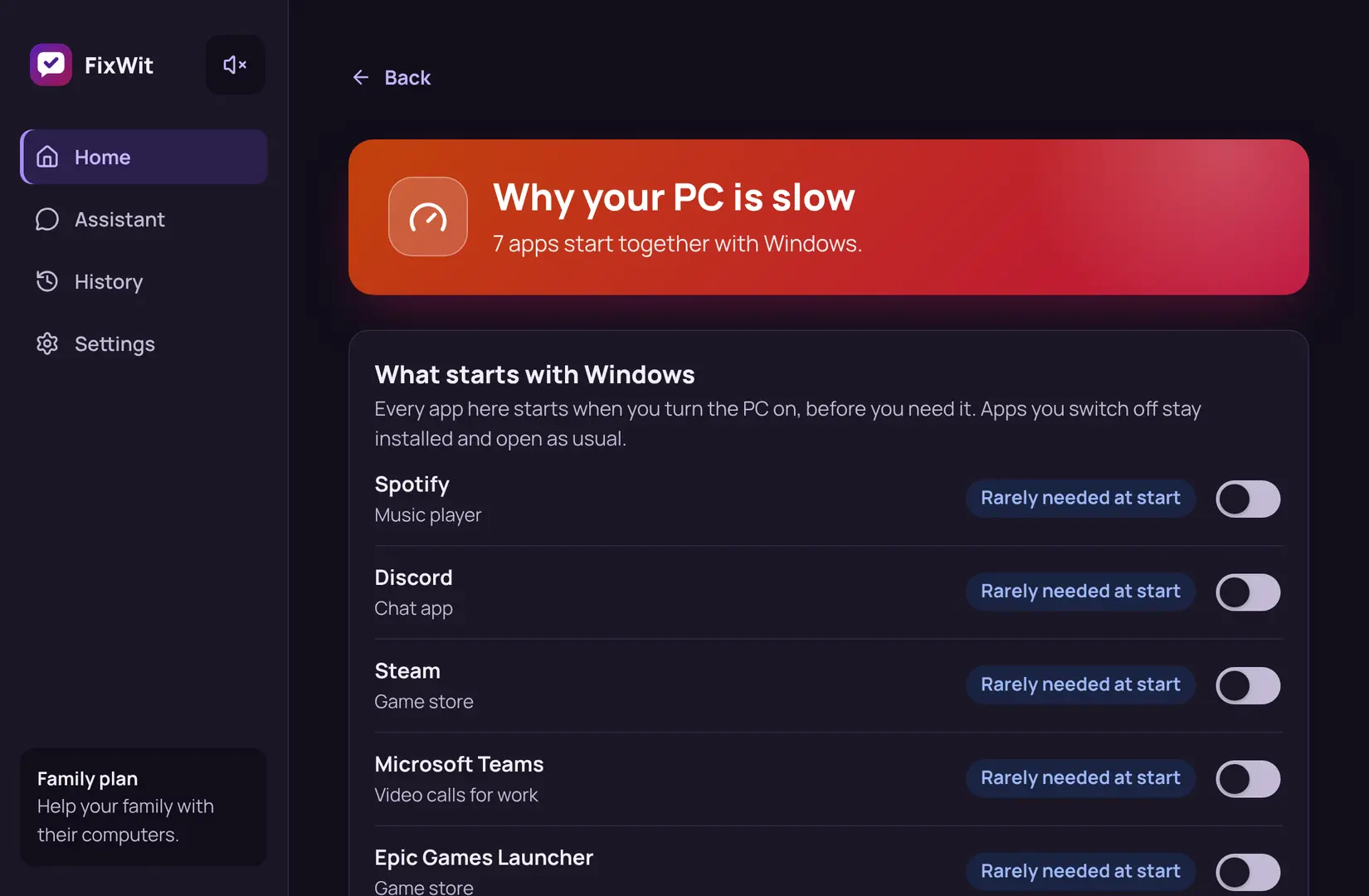
My PC is slow
Finds the apps that start with Windows but aren't needed right away, and turns them off in one click.
- Apps stay installed: you can still open them yourself
- Notices when Windows hasn't restarted or updated for weeks
- Each app comes with a plain note: "Music player", "Game store"
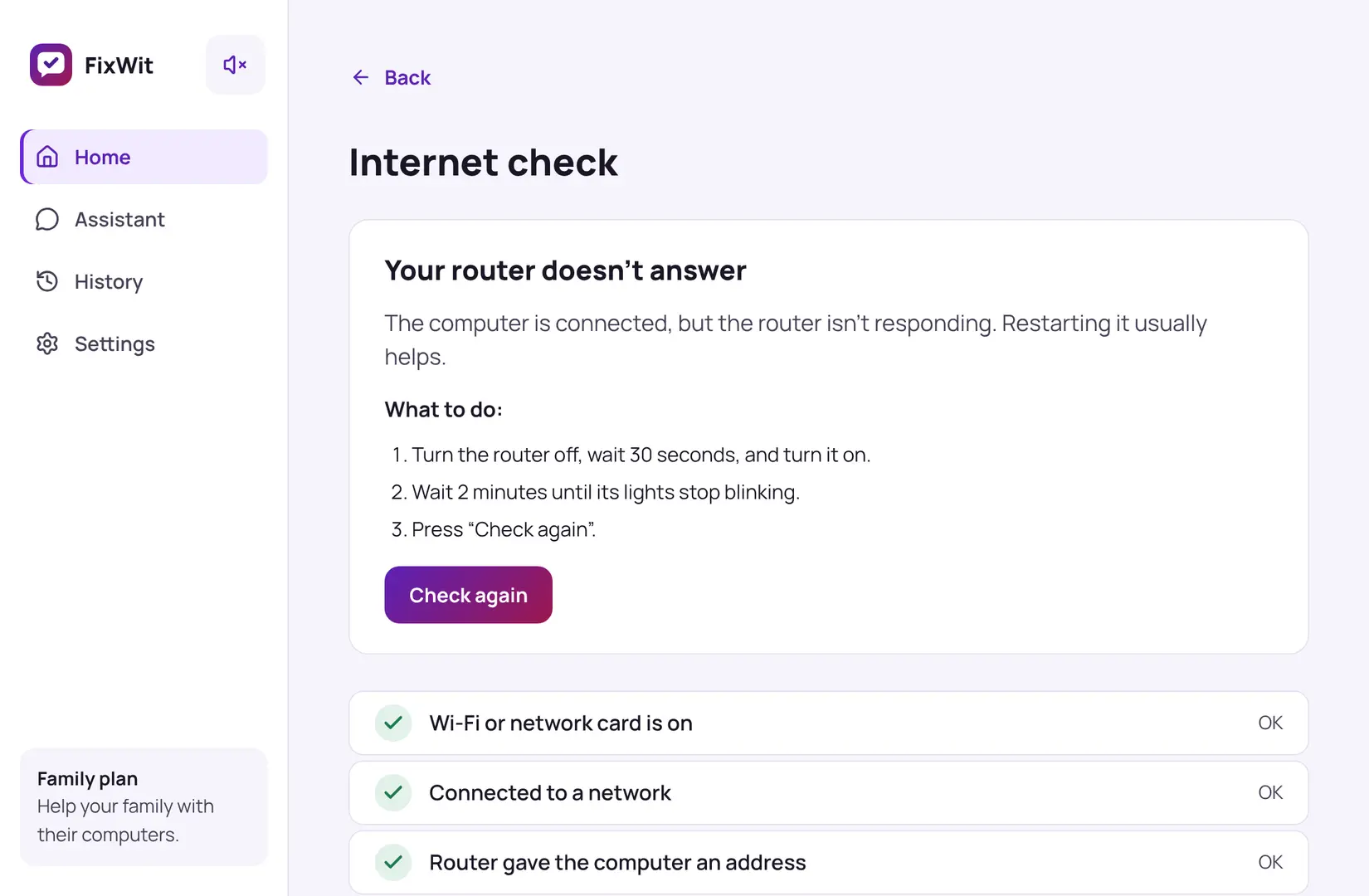
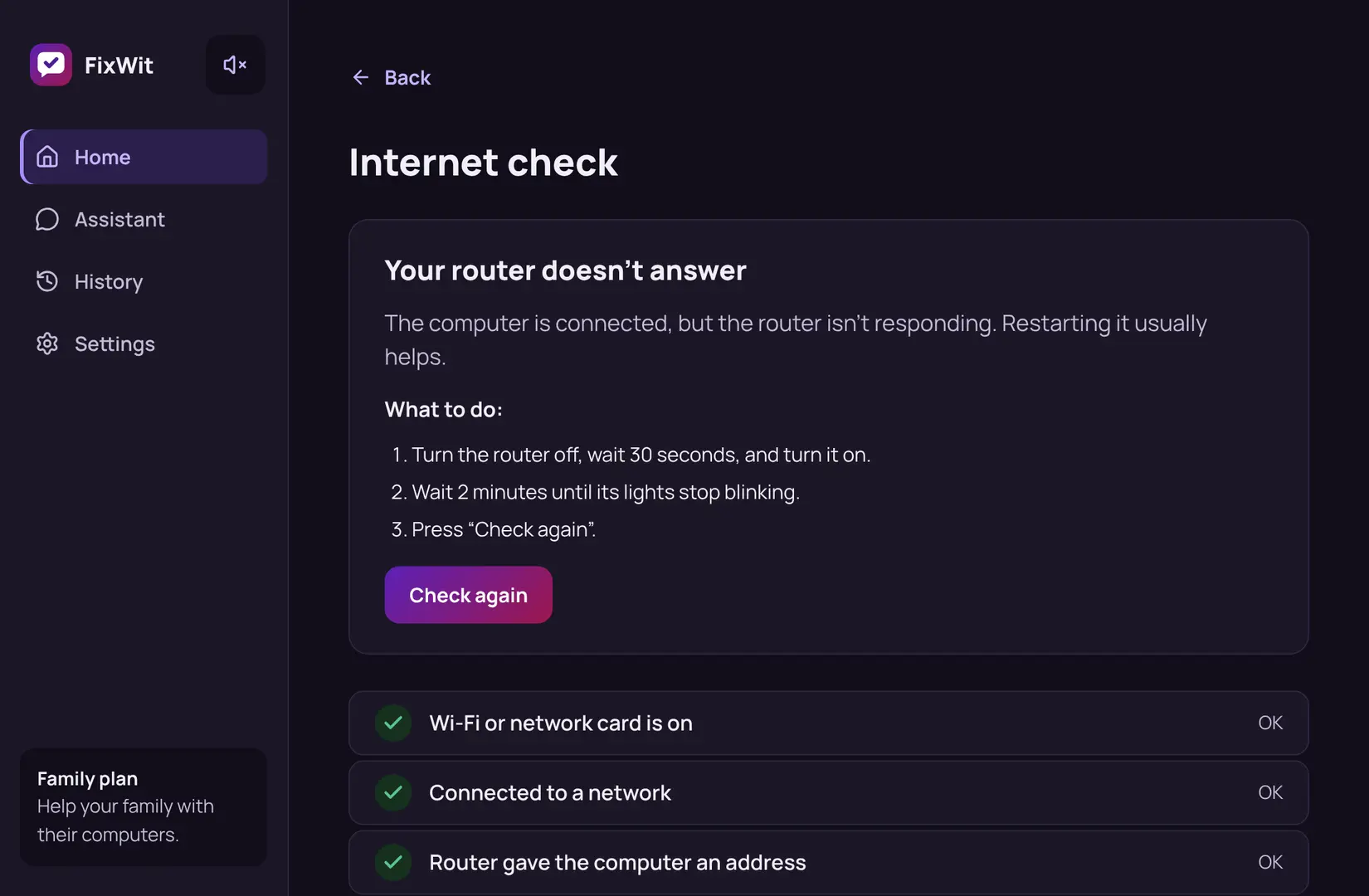
No internet Always free
Goes through the connection step by step and tells you exactly where it breaks: the Wi-Fi, the router or the internet provider.
- Works without internet, because that's when you need it
- Simple instructions, like "Turn the router off for 30 seconds"
- Fixes common Windows network settings for you
Running out of space
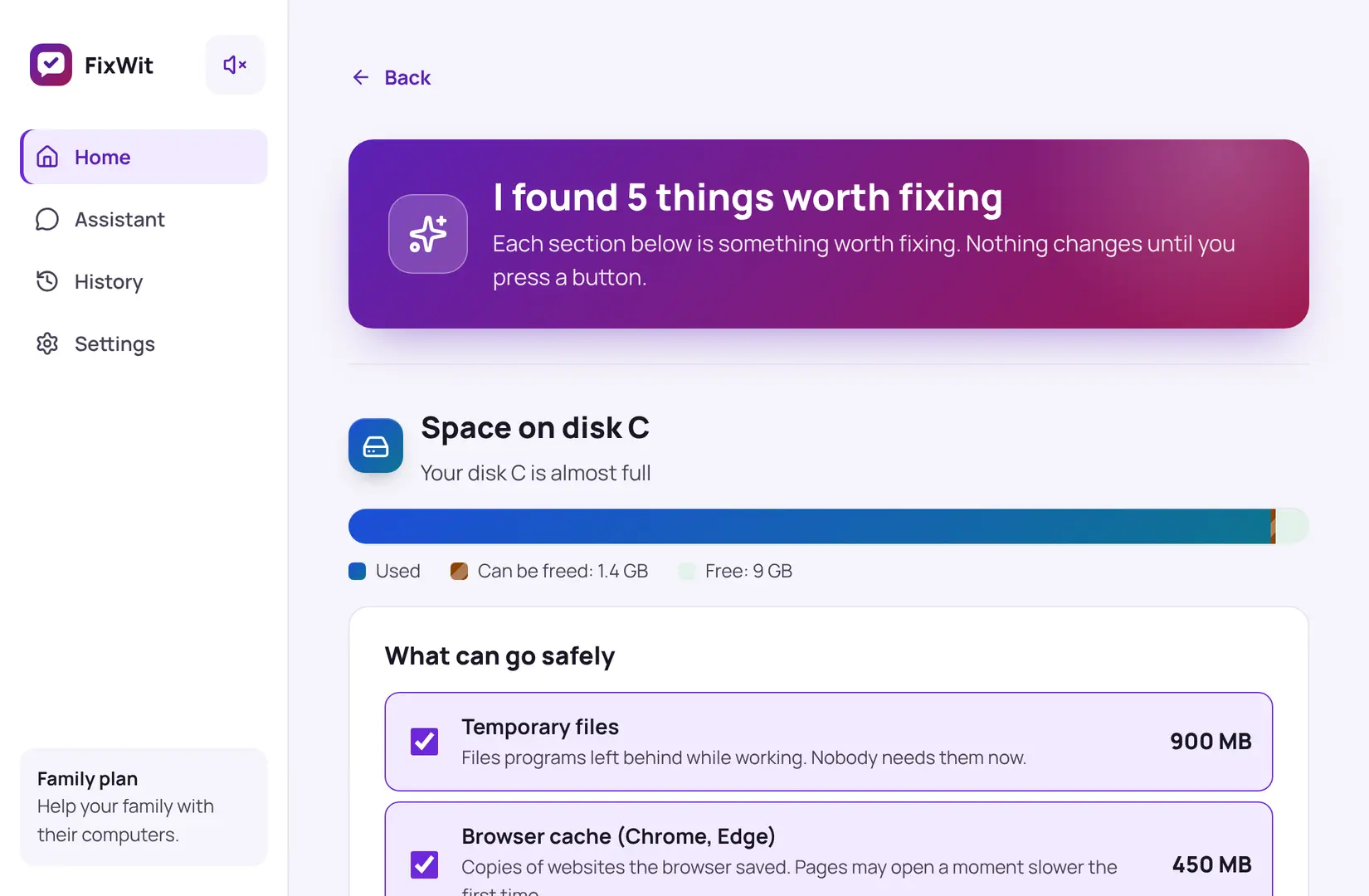
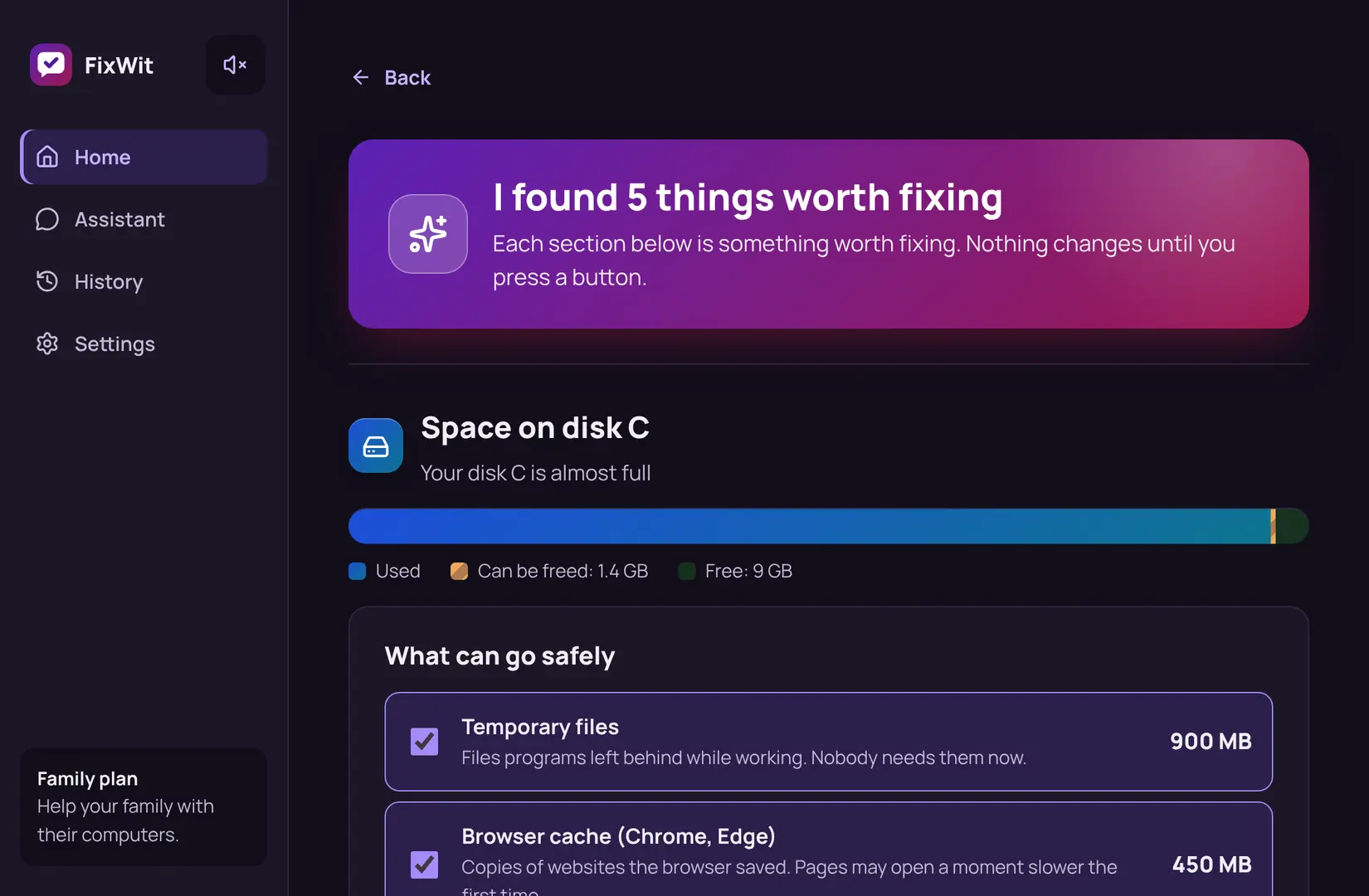
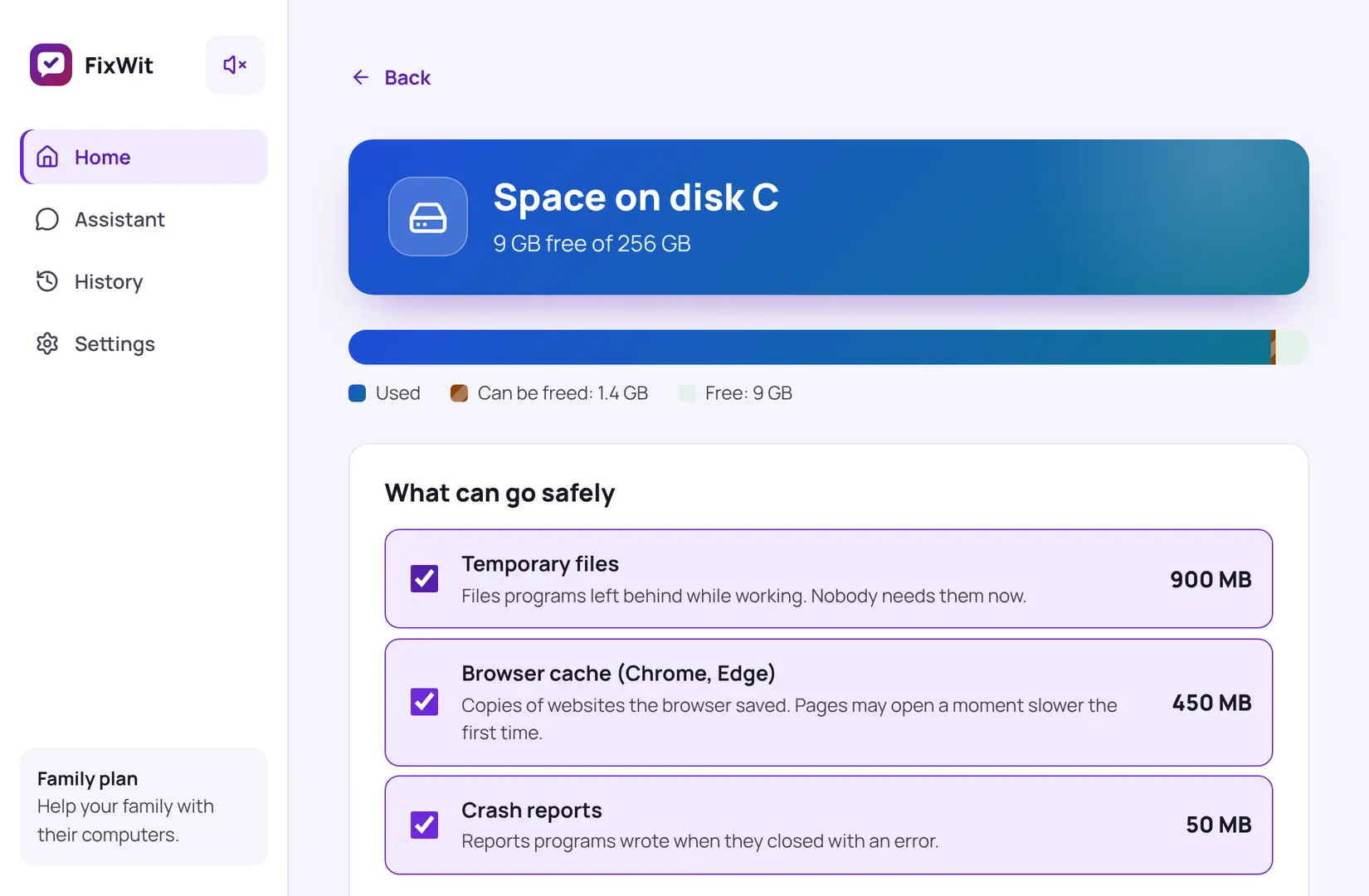
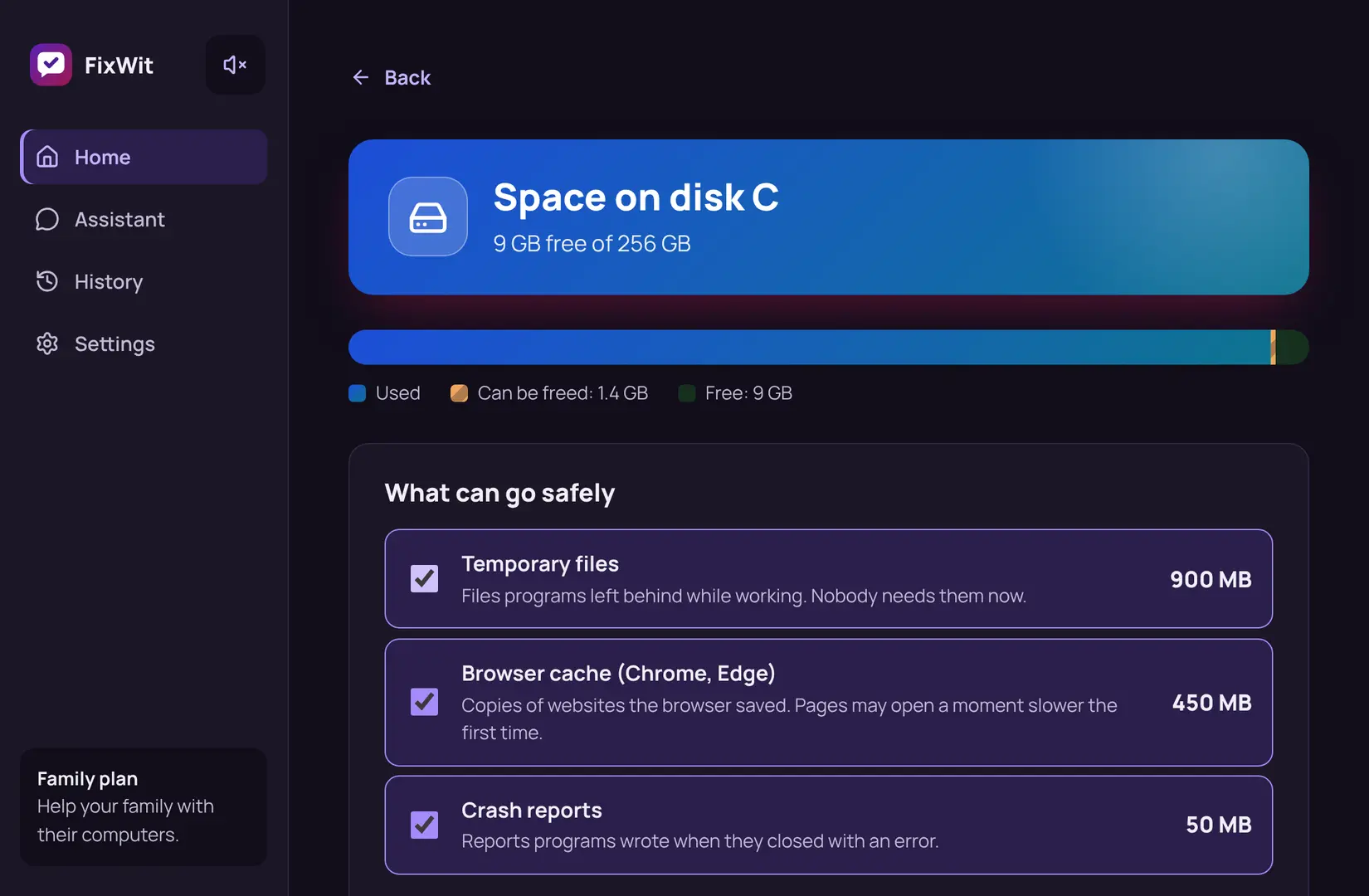
Shows what fills the disk and clears what's safe to remove: temporary files, browser caches, old crash reports.
- Never touches your documents, photos or downloads
- You see the size of each item before anything is removed
- Leaves anything it isn't sure about alone
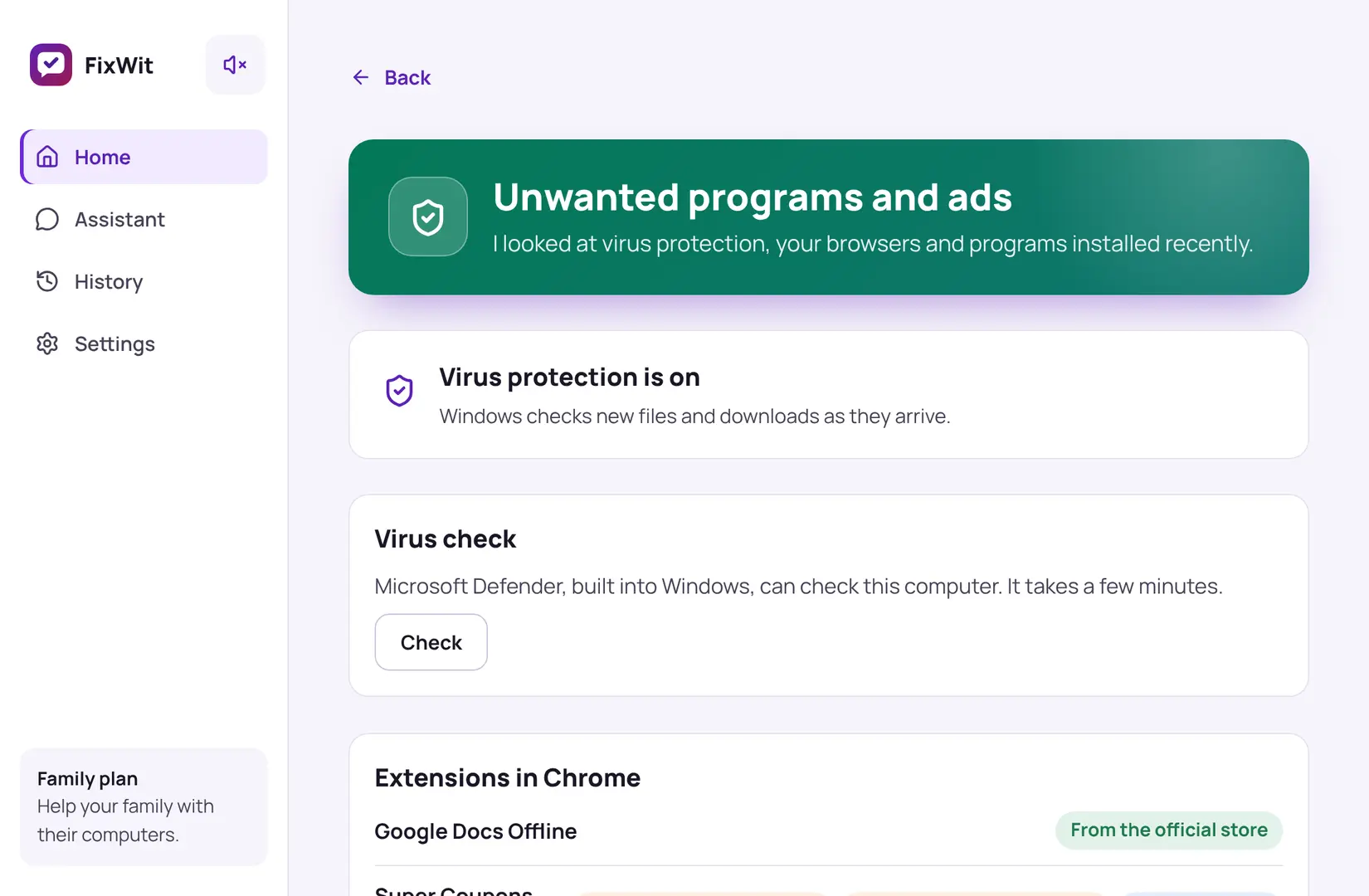
Strange apps or ads
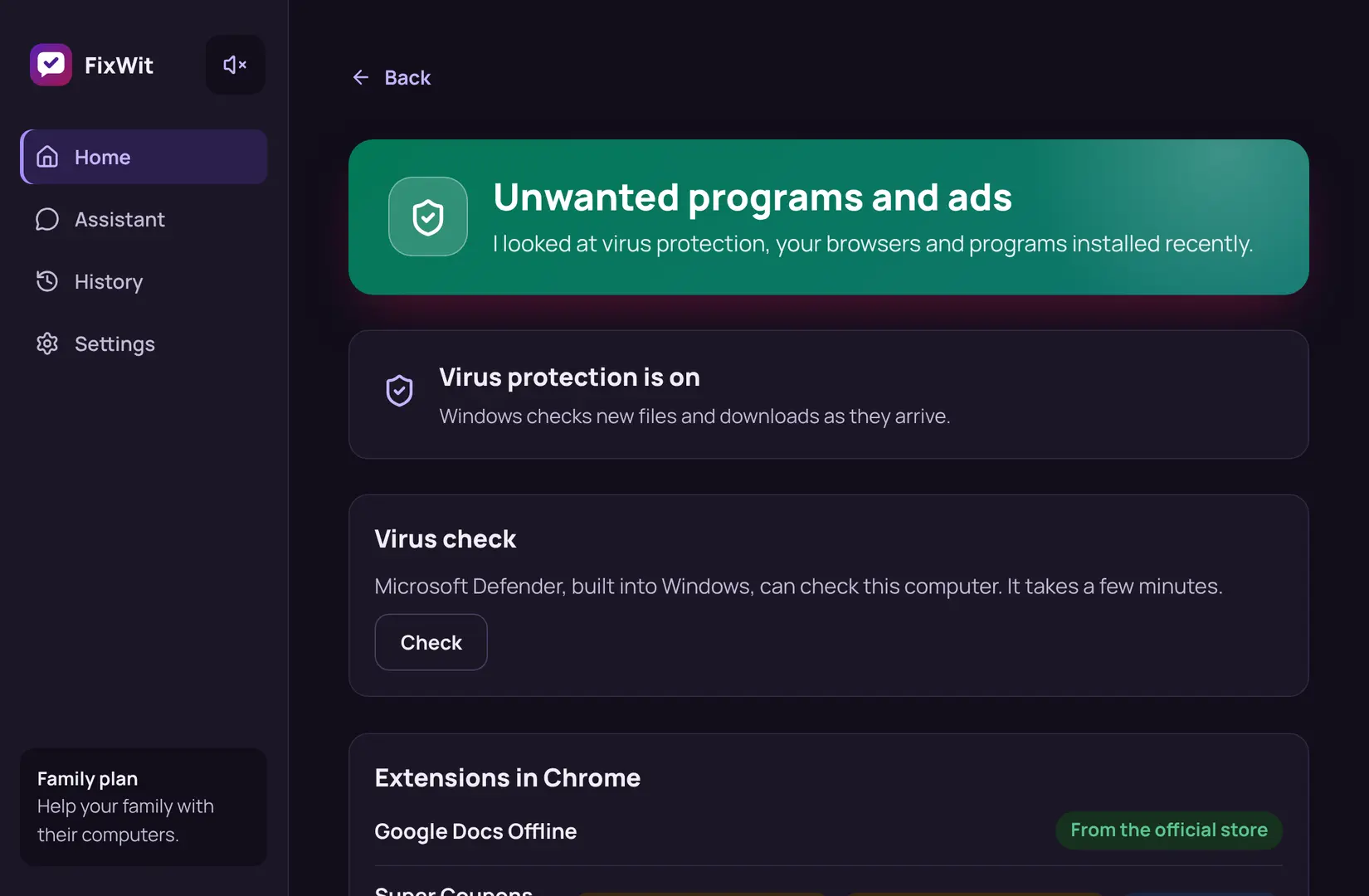
Looks at your virus protection, your browsers and the apps installed lately, and points out what deserves a second look.
- Browser extensions not from the official store
- A search engine that changed without you
- Runs a Microsoft Defender scan, built into Windows
Ask in your own words
Not sure what's wrong? Describe it to the built-in assistant, the way you'd tell a friend who knows computers.
- It suggests only fixes from our checked list, never random commands
- You approve each one, and each one can be undone
- Your files and browsing history are never sent
An example conversation.
Three steps, about a minute
No settings to learn and no technical words.
Download and open
A small app for Windows 10 and 11. No account needed.
Press "Check my computer"
It looks at the disk, startup apps, updates, virus protection and browsers. It only looks; nothing changes.
Read, then fix
Each finding says what it means in plain words. Press the button to fix it, and Undo if you change your mind.
Safe by design
We built FixWit for people who'd rather not touch settings they don't understand.
Nothing changes without you
Before a fix you see exactly what will happen. Nothing runs until you press the button.
Undo for every change
Every fix is saved in History for 30 days. One click puts things back, and Windows also keeps a restore point.
Your files stay yours
We never touch your documents or photos, and they never leave your computer.
Honest results
No scary counters or fake alarms. If your computer is fine, we say so.
Be one of our first testers
FixWit is new, so there are no reviews yet, and we won't make them up. Try the beta, tell us what worked and what didn't, and your story may be the first one here.
Questions
Is it really free?
The full check is free, and so are internet fixes, Undo, your first fix and 3 assistant messages a month. Plus ($39 a year or $4.99 a month) fixes everything else in one click. See pricing.
Can it break my computer?
FixWit only uses a short list of checked fixes, each with a tested way back. It shows what will change before it changes anything, keeps every change in History for 30 days, and asks Windows to make a restore point before a fix.
What does the assistant send to the internet?
Only your message and a short summary like "disk 92% full". Your files, file names and browsing history are never sent. The app removes personal details before anything leaves your computer. Privacy policy.
Does it work on Mac or my phone?
Not yet. FixWit works on Windows 10 and 11. Mac comes next.
Can I use it for my parents' computer?
Yes. Plus for 3 computers and the Family plan for 6 let you look after everyone's PCs with one subscription.
Do I need an account?
No. Download it and press "Check my computer". If you buy Plus, your email is enough to move it to another computer later.
What if I'm not happy with Plus?
Cancel any time. If it's not right for you in the first 30 days, you get your money back in full. Refund policy.
Let's check if everything is OK
Takes about a minute. Nothing changes without your permission.